Plenty of owners have a list of tasks they'd love to hand off: answering the same booking questions, chasing unpaid invoices, copying orders from one app into another. The tools for that keep getting better. So why do so many automation attempts stall after a week?
Usually the trouble starts before any tool gets involved. It starts with how the task was described.
This week, @poteto, whose X bio lists the React Compiler core team and work on Grok Bot, published a long guide on how they approach automating anything. The post introducing it put the problem plainly: "knowing how to automate things is actually quite a difficult skill to learn." (source) It drew more than a thousand replies, and some of them came from people who had tried and gotten stuck.
The article is written around one specific AI assistant, but the thinking works with any tool, and it lines up closely with how we scope AI automation work. Here's the plain-English version.
Step 1: Name the goal
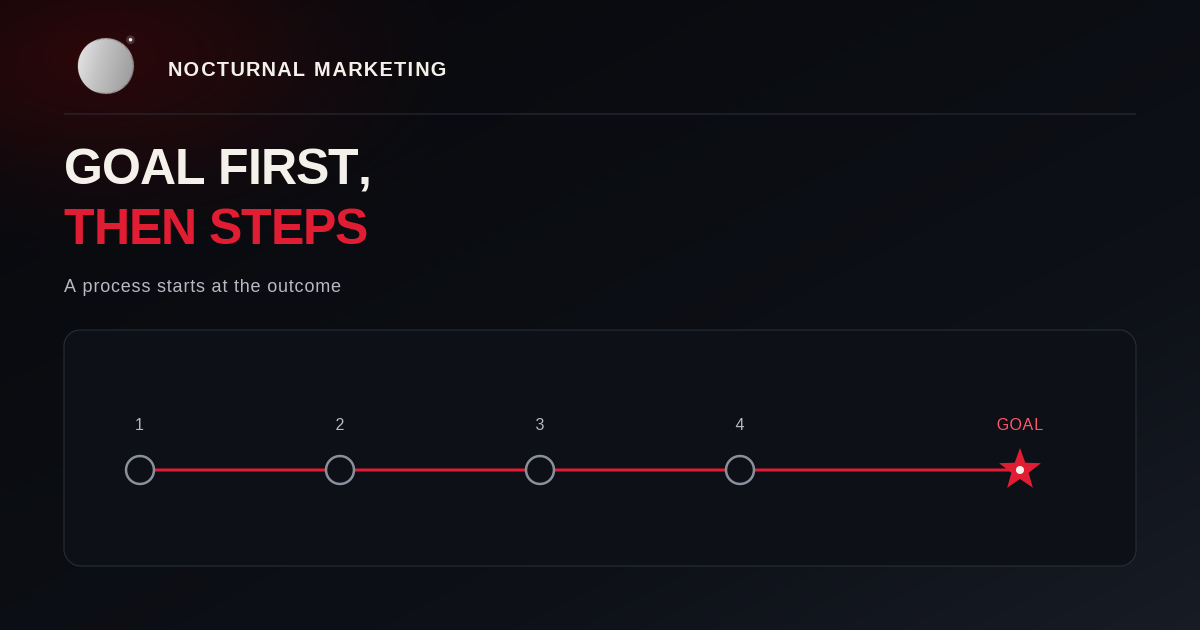
In the article, @poteto breaks automation into two parts: "the goal is what you want at the end, and the process is how you get there."
Then comes the mistake that trips up a lot of people: "One mistake I often see is that people confuse the process for the goal." As the article puts it, "the goal is not to fill up a form, or to send an email. That's just a step in the process."
In a real business, "send a confirmation email after every booking" is a step. The goal sounds more like this: every customer who books shows up at the right time, for the right service, with the right person ready. Written that way, you start to notice things the step version misses. What if the booking is for a service that needs extra time? What if the customer booked twice? An automation built around the step will happily send the email and miss all of that.
A quick test: if you can't say whether the task helps you earn money, save money, or keep customers happy, keep asking "what's this for?" until you can.
Step 2: Describe how you do it today
Once the goal is clear, write down how you actually get there now. Skip the tidy handbook version and write the real one.
A good brain dump covers:
- The steps you usually take, in order.
- Where the information comes from: an email, a form, your booking app, a spreadsheet.
- The apps you use along the way.
- How you know the job was done right.
- Where you hear about it when something goes wrong, like a customer complaint or a bad review.
Talking it through out loud often works better than typing. Don't worry about being organized. Anything that stays in your head is something the automation won't know.
Step 3: Write down the judgment calls
This is the part people skip, and it decides whether the automation works.
When you do a task yourself, you make dozens of small decisions without thinking. The article's booking example is a good one: you probably know "which services take longer, who can do each job, and when to leave extra time between appointments." Those feel obvious to you. A piece of software has no idea.
Two questions bring a lot of these to the surface:
- When two sources disagree, which one wins? If an email says 2 p.m. and your booking system says 3 p.m., which do you trust?
- When is the job actually finished? Sending a confirmation doesn't count if the appointment never got saved.
The article also suggests starting with a handful of real examples, "including ones where something went wrong or you had to do something differently." We'd add one more: pick at least one example that should be stopped or handed to a person. If your automation can't tell a good case from a bad one, you want to find that out on paper before a customer finds it for you.
Step 4: Decide how you'll check the work
An automation you can't check is just a faster way to make mistakes. Before anything runs on its own, decide:
- What a correct result looks like for a normal case.
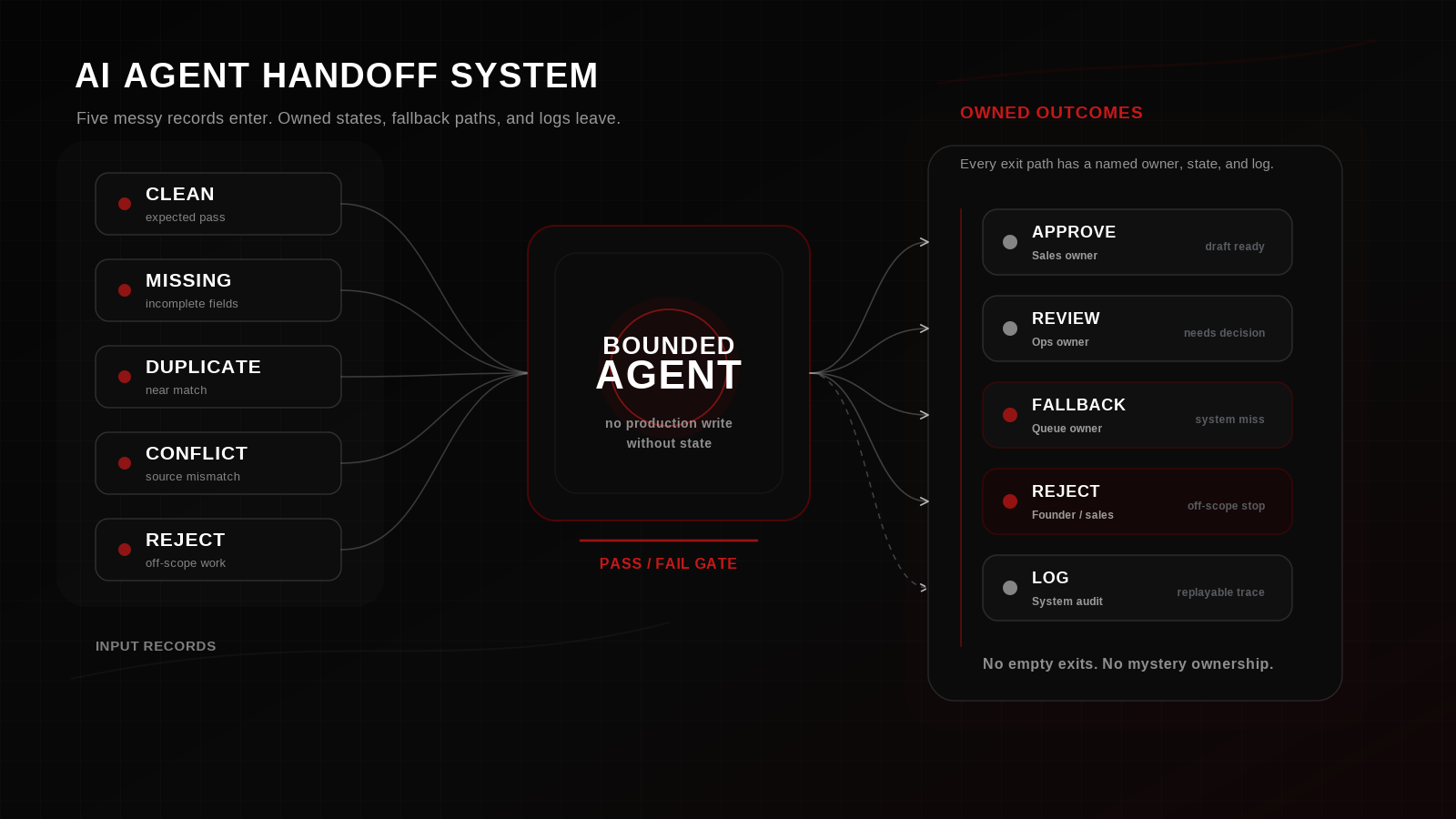
- What should happen with a bad or incomplete case. Usually it should stop and ask a person.
- What should happen when something breaks. Somebody needs to find out, and there should be a record they can read.
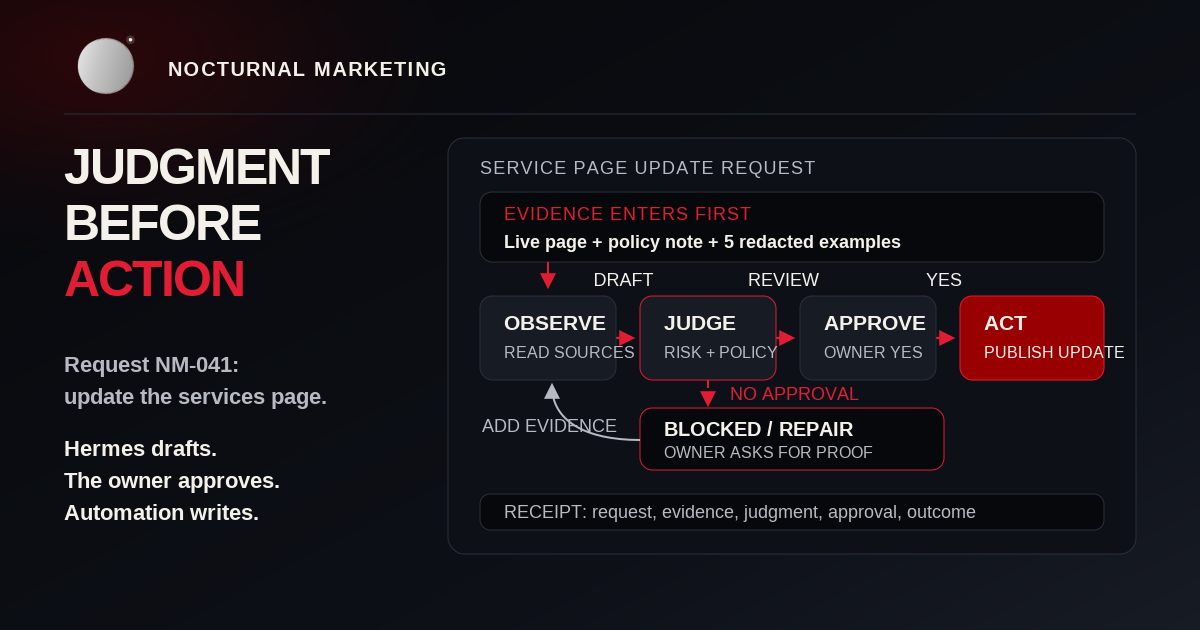
This is also where you decide which actions always need a human yes. Refunds, price changes, and anything that goes out to a customer under your name are good candidates, at least at first.
Step 5: Decide what starts the work
Only now does it make sense to think about triggers. Should the task start when an email arrives? When a form is submitted? Every morning at 7? The article points out that without one, the work only happens when you ask for it, and the goal is to set things up "so you're no longer the bottleneck."
Start with the trigger that matches how the work arrives today.
Where people get stuck
The replies to the post were a useful reality check. One reader, @aliromman, asked what to do "when, even after lots of turns, i'm still not happy with the output."
In our experience that usually traces back to Step 1 or Step 3. Either the goal was never written down, so there's nothing to judge the output against, or the judgment calls are still living in the owner's head. Going back and naming one more rule ("never book a two-hour service after 3 p.m.") often fixes more than another round of tweaking the wording.
Another reader, @colerepo, made a good point about longer tasks: "a long task where the target moves is where goal-first should actually shine." When the steps keep changing, the goal is the thing that stays put.
A simple way to start this week
Your first automation brief in 20 minutes
Pick one task
Write the goal
List the steps
Add three real examples
Define done
That page does a lot of the heavy lifting, whoever or whatever you hand it to. If you're not sure which task to pick first, our post on what to automate first with AI walks through how to choose.
Automating a business process FAQ
Want help with the first one
If you'd rather not do this alone, our AI automation work takes one defined workflow and gives it review rules, a fallback, and three test cases: a good input that must produce the right action, a bad input that must stop or go to a person, and a simulated failure that must leave a log anyone can read. Scope, duration, and price are locked after assessment and before any build work. You keep the automation and its documentation.
Bring the task you'd hand off first
Tell us what it is and how you do it today. You get a written scope and price, or a plain answer that it isn't a fit.
Scope One Workflow