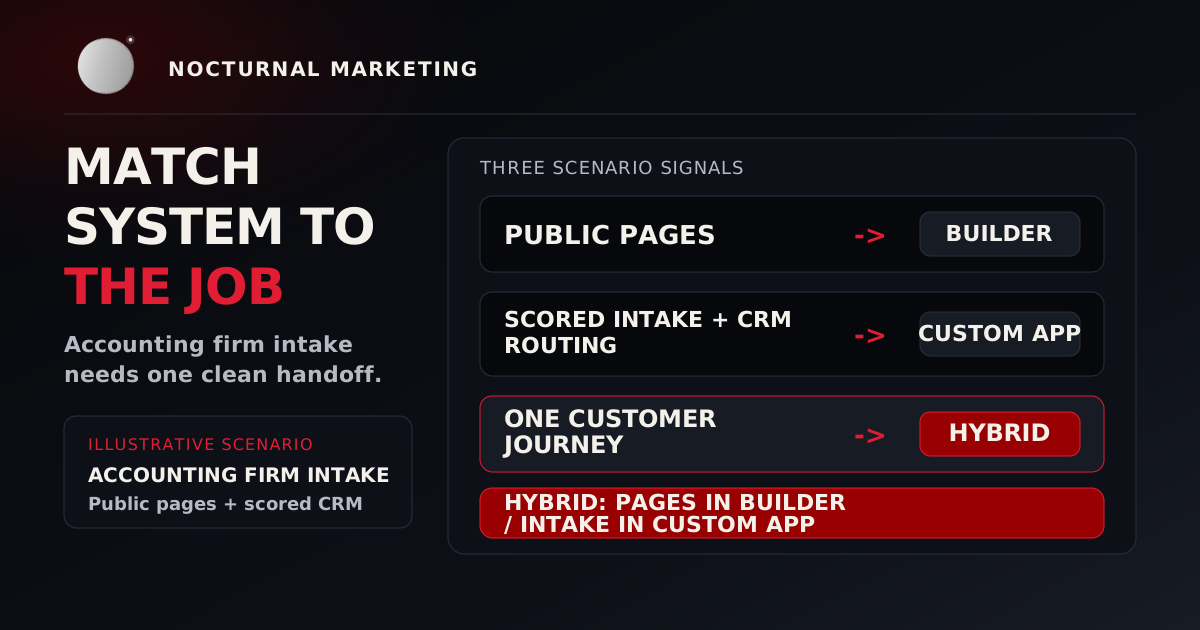
Website builder vs custom development comes down to what the site must own. Use a website builder for standard pages, forms, booking, and basic commerce. Use custom development when the site must enforce specialized rules, connect deeply to operations, or protect sensitive workflows. Use a hybrid when marketing pages and custom workflows can be separated cleanly.
The expensive mistake is paying for complexity the business does not need, then forcing the work that matters into a platform that cannot own it. A small business website should be the smallest system that can publish clearly, convert reliably, and survive normal operating mess.
Website builder vs custom development decision map
The strongest website builder vs custom development decision is boring in the best way: write down what the website must do, then choose the lowest-risk system that can do that job without hidden workarounds.
| Decision factor | Website builder | Custom development | Hybrid |
|---|---|---|---|
| Best fit | Standard pages, blog, forms, booking, basic commerce | Proprietary rules, portals, permissions, deep workflow integration | Public marketing site plus one specialized workflow |
| Main advantage | Fast launch and easier nontechnical editing | Control over behavior, data model, testing, and integration | Lower custom scope while protecting the important workflow |
| Main risk | Platform limits, app sprawl, export gaps, vendor lock-in | Ongoing maintenance, security, testing, hosting, and developer dependency | Two systems with shared analytics, brand rules, and handoff ownership |
| Owner after launch | Content owner plus platform admin | Product or technical owner with support plan | Content owner and workflow owner, both named |
| Proof before buying | Can staff update real pages and trace every form? | Can the team define tests, deployment, rollback, and support? | Can both systems pass data without confusing customers or staff? |
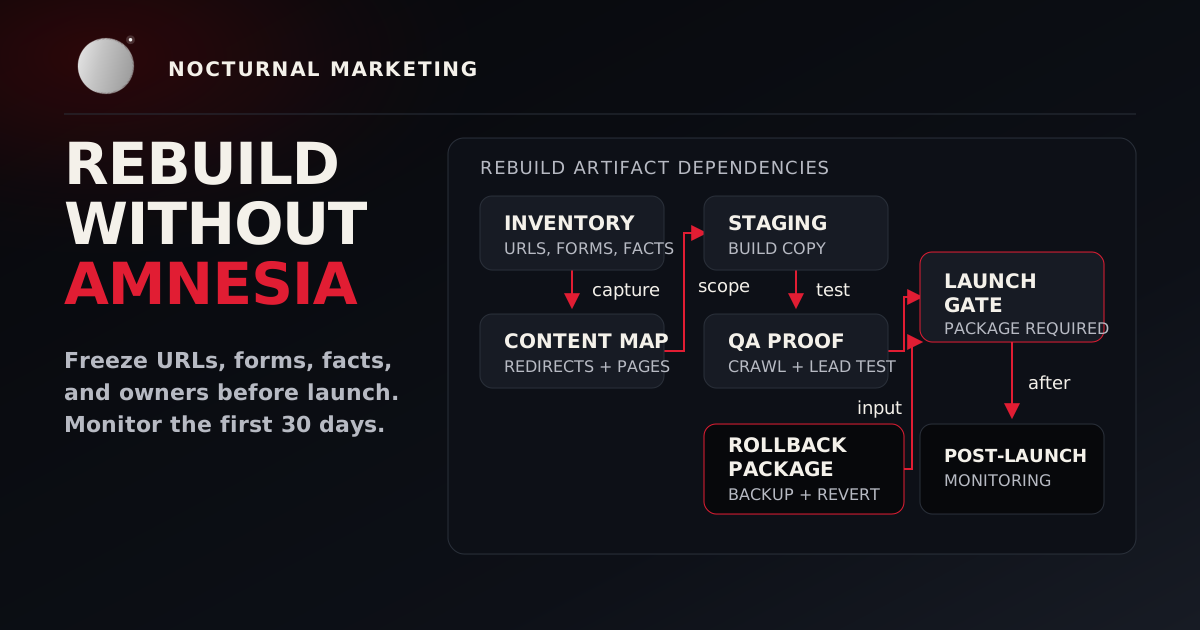
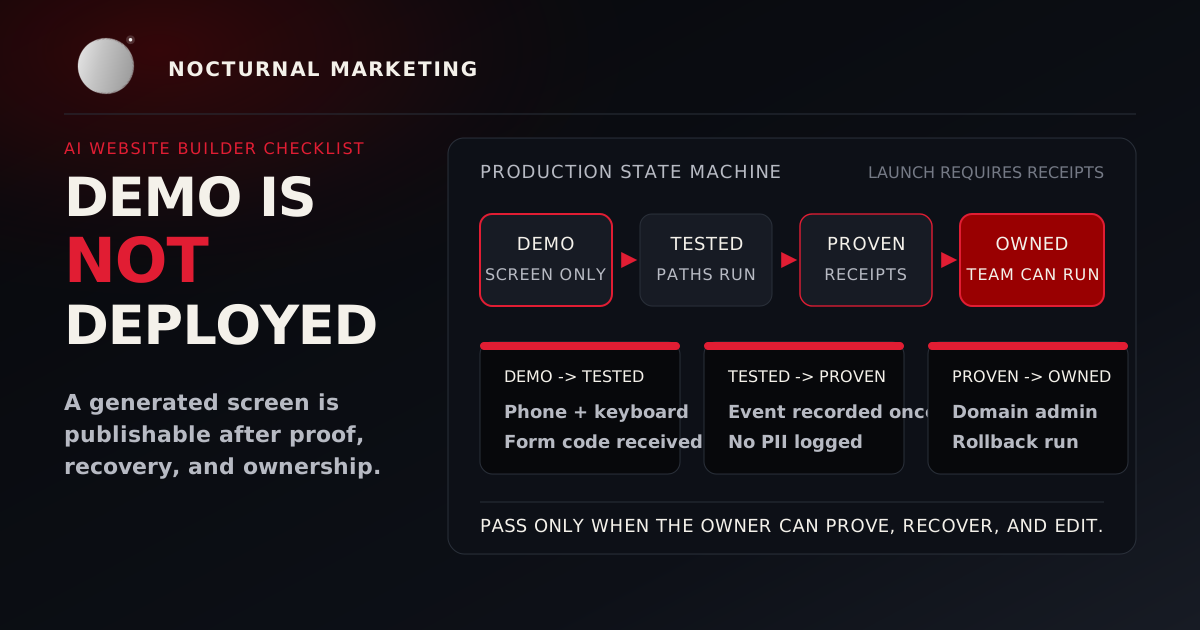
This article is the procurement guide. If you already chose an AI-assisted builder, use the AI website builder production checklist before publishing. If you are replacing an existing site, use the small-business website rebuild checklist so redirects, search visibility, and analytics survive the change.
Start with the job, then choose the platform
A platform comparison usually starts with templates, price, speed, and design. Those matter. They are also easy to overrate because they are visible during the sales demo.
The real platform question is this: what job does the website own after a visitor acts?
Map the actual work:
- Pages the team must publish or update
- Actions visitors can take
- Records the system must create or change
- Staff handoffs after each action
- Integrations that must work on a bad day
- Data that needs protection, retention rules, or audit history
- Reporting the owner needs every week
A brochure site and a workflow system should not be evaluated with the same checklist. A restaurant that needs menus, reservations, hours, and local search visibility has a different risk profile than a financial services firm collecting documents and routing applications through approvals.
When a website builder is the right call
A website builder is the right call when the website mostly needs to publish, explain, capture, and route.
Use a builder when:
- The page types are standard service pages, location pages, articles, landing pages, product pages, or event pages.
- Staff need visual editing more often than structural changes.
- Built-in forms, booking, checkout, or memberships cover the workflow.
- Existing integrations handle the exact handoff the business needs.
- The business accepts the platform's hosting, plugin, export, and account model.
- Launch speed matters more than custom behavior.
Builders reduce setup decisions. That can be a gift for a lean team. A local service business should not fund a custom content management system just to publish six service pages, a contact form, and one article per month.
The buyer still needs a verification pass. Test form delivery, analytics events, accessibility basics, backups, domain ownership, account recovery, export options, and who receives renewal notices. Managed software still needs an operator.
When custom development earns the spend
Custom development earns its cost when the website must control behavior the business can explain and defend.
Good reasons include:
- Proprietary pricing, scoring, eligibility, or recommendation rules
- Multi-step intake with branching logic and saved state
- Customer, staff, or partner permissions
- A portal connected to internal systems
- Specialized approval workflows
- Audit trails for sensitive decisions
- Deep CRM, ERP, inventory, payment, or fulfillment integration
- Performance, deployment, or data residency requirements that the platform cannot satisfy
- Product behavior that creates a competitive edge
The value is control over the operating model. Custom code lets the business decide how records are stored, how failures are logged, how permissions work, how tests run, and how the system changes over time.
That control creates obligations. A custom site needs security updates, test coverage, monitoring, backups, deployment discipline, documentation, and a named owner after launch. If nobody owns those responsibilities, the custom build becomes fragile debt.
When a hybrid beats both extremes
A hybrid separates commodity publishing from specialized behavior.
For example:
- A managed site hosts services, articles, case studies, campaign pages, and local business information.
- A custom application handles customer accounts, eligibility, scoring, document intake, approvals, or workflow state.
- Both systems share brand rules, analytics naming, consent language, and support ownership.
- Navigation and authentication boundaries are explicit.
This can be the cleanest small-business website architecture because it spends custom engineering where the business actually needs control. The trap is pretending a hybrid is one system. It is two systems with a shared customer experience, so the handoff has to be designed.
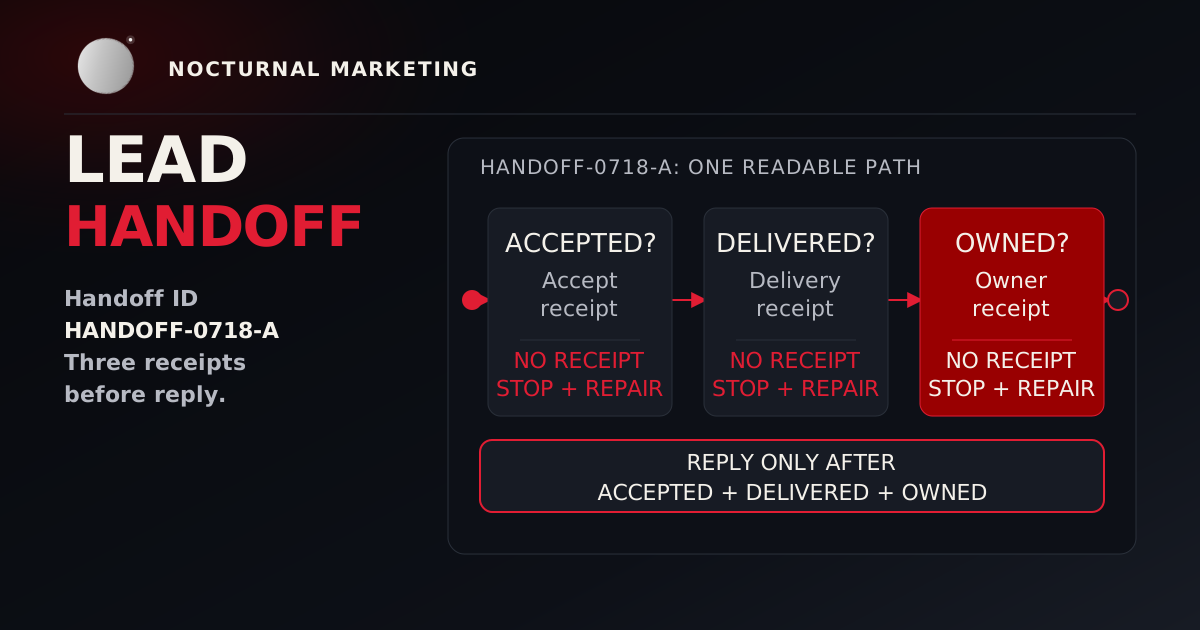
If the handoff is the main risk, the next article to read is why website leads go nowhere. Platform selection means little if the form works on screen and fails in the owner's inbox.
Run the six-step platform fit test
Use this before paying for a builder plan, custom proposal, or hybrid scope.
The six-step platform fit test
Map the jobs
Trace the handoff
Classify the data
Test staff editing
Price the three-year model
Write the exit plan
The fit test turns a vague preference into an operating decision. If the builder passes all six steps, use it with confidence. If custom development passes and the builder fails on control, fund the custom work with clear ownership. If each option only solves half the problem, split the system deliberately.
Compare total operating cost
The cheapest launch can become the most expensive operating model. Custom engineering can also turn a simple need into permanent maintenance. Compare the cost of operating the system instead of judging the first invoice.
Use this calculation:
Three-year cost = setup + subscriptions + extensions + transaction costs + maintenance + support + workflow labor + expected migration cost.
Then attach a risk note to each assumption.
| Cost line | What to ask |
|---|---|
| Setup | Who writes, designs, configures, tests, and migrates the first version? |
| Subscriptions | Which plan is needed after real traffic, staff seats, storage, or commerce volume? |
| Extensions | Which plugins, apps, themes, or connectors become required for normal operations? |
| Transaction costs | What fees apply to payments, bookings, donations, marketplace orders, or paid memberships? |
| Maintenance | Who updates software, fixes broken integrations, and reviews security notices? |
| Support | What response time does the business need when forms, checkout, or intake fails? |
| Workflow labor | How much staff time goes into copying data, correcting records, and chasing handoffs? |
| Migration | What content, URLs, accounts, data, and integrations can move cleanly later? |
Exact forecasts are impossible. The purpose is to make invisible costs discussable before the business signs a contract.
Three common small-business scenarios
Local professional service
The business needs service pages, expert articles, contact, scheduling, reviews, and local business information. Start with a reputable managed platform unless the intake workflow is genuinely specialized. Spend extra effort on page quality, local proof, analytics, and response speed.
Growing ecommerce brand
The business needs catalog management, checkout, inventory, shipping, email, analytics, promotions, and returns. A mature commerce platform usually wins because the standard workflow is already complex. Add custom components only where they create measurable value, such as a proprietary product finder or operational integration.
Business with a proprietary assessment
The business needs conditional questions, scoring, saved results, permissions, CRM handoff, and an audit trail. The marketing pages can live in a builder. The assessment deserves custom development because it carries the rules, records, and risk.
Proposal red flags
Be cautious when a provider:
- Recommends a platform before mapping the workflow
- Cannot explain export, account ownership, or migration limits
- Promises accessibility or security without a test plan
- Calls every integration easy without naming failure behavior
- Treats launch as the final milestone
- Gives staff editing access without defining roles and approval boundaries
- Cannot distinguish a content problem from a software problem
- Avoids three-year operating cost because the launch quote looks cheaper
A trustworthy recommendation can conclude that the simpler tool is enough. Nocturnal respects that answer because the point is a working system rather than a bigger invoice.
Source notes and verification
Google's public guidance keeps the SEO standard grounded in useful content, crawlable structure, and helpful page experience. WCAG 2.2 frames accessibility success criteria as testable statements. OWASP provides a security testing framework for web applications and services. Those sources support the article's quality gates: crawlability, accessibility, security testing, ownership, and handoff proof.
Frequently asked questions
Website builder vs custom development FAQ
Choose the smallest system that owns the work
The best small-business website is not the most custom site or the fastest builder launch. It is the smallest system that can own the work with proof.
That proof is practical: the form reaches the right owner, the checkout reconciles, the assessment saves state, the content can be edited, the analytics answer the right question, and the business can recover when something breaks.
Nocturnal Marketing works across strategy and software, so our recommendation starts with the constraint. If a builder is enough, we will say so. If custom development is justified, we will define the operating burden before code starts.
Our web design service covers template builds and custom front ends with a CMS your team can edit. Custom software covers the workflows a website platform cannot model. Starting prices for both are on our pricing page, which gives you real first-invoice numbers for the three-year model above.
Bring us the workflow
We will map what the site must own, test the handoffs, and recommend the smallest platform strategy that can survive real operations.
De-risk the Platform Decision